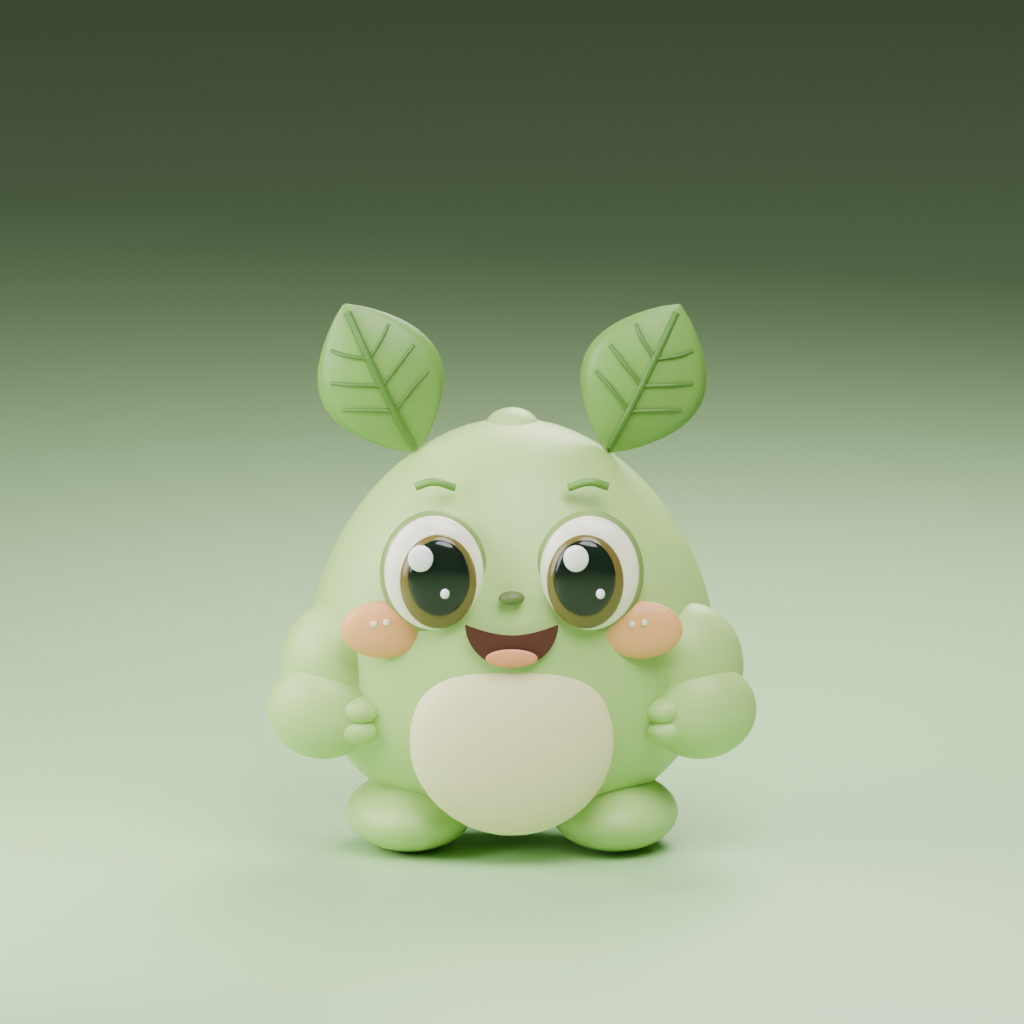
 EggBlast
Let’s work it out.
Need a hand with eggs, forest friends or your saved game?
EggBlast support
Email your game version, device model and a short description of what happened. You can find the version in Settings.
mkkeskinkilic@gmail.comPlease do not send passwords or payment details. Hide personal information in screenshots.
Frequently asked questions
How do I play?
Draw across at least three neighboring eggs of the same color, then release. Horizontal, vertical and diagonal links work. Five eggs hatch Filiz; six create a rocket, eight a bomb and ten a rainbow egg. Replay the short practice in Settings.
How do my friends grow?
Open Collection and merge three friends at the same stage: three Filiz become Fidan; three Fidan become Çınar. Tap your animated friends to say hello.
How does the forest journey work?
Meet the goal before your moves run out. After a win, Filiz travels to the next stop and the next level opens automatically. The X lets you continue early. A map you open yourself stays open until you close it.
What is island gold for?
Collect gold in Island and use it to upgrade the habitat. Upgrades cost 150, 400 and 900 earned gold; storage grows from 100 to 200, 350 and 500. This version does not sell gold for real money.
Can I change the language?
The game opens in English. In Settings, choose English or Türkçe. Your choice persists and does not reset your progress.
Where is my progress saved?
Your game is saved automatically on your device. No account or internet connection is needed. Progress does not sync between devices. Deleting EggBlast also deletes its saves; you do not need to delete it to update.
An update will not install.
Check your connection and free device storage. If using TestFlight, close and reopen TestFlight and try again. If it still fails, email the exact error and game version. Keep the app installed to preserve your progress.
What does a previous good save mean?
If EggBlast cannot read the latest save, it tries the previous good copy on the same device. Recent actions may be lost. This is not a cloud backup and does not protect against deleting the app or losing the device.
The game slows down or has no sound.
Try closing and reopening the game. Check the in-game sound toggle, device volume and Silent mode. If the issue persists, tell us the level, device model and iOS version.